
Sentinel AI: The DevOps Sidekick That Never Sleeps
Sentinel AI: The DevOps Sidekick That Never Sleeps This morning, my server’s CPU spiked to 98% usage. No alerts. No warnings. Just a slow, painful crawl until SSH became unresponsive. Turns out, a...
Admin
Founder @ FixFlex LTD, West London
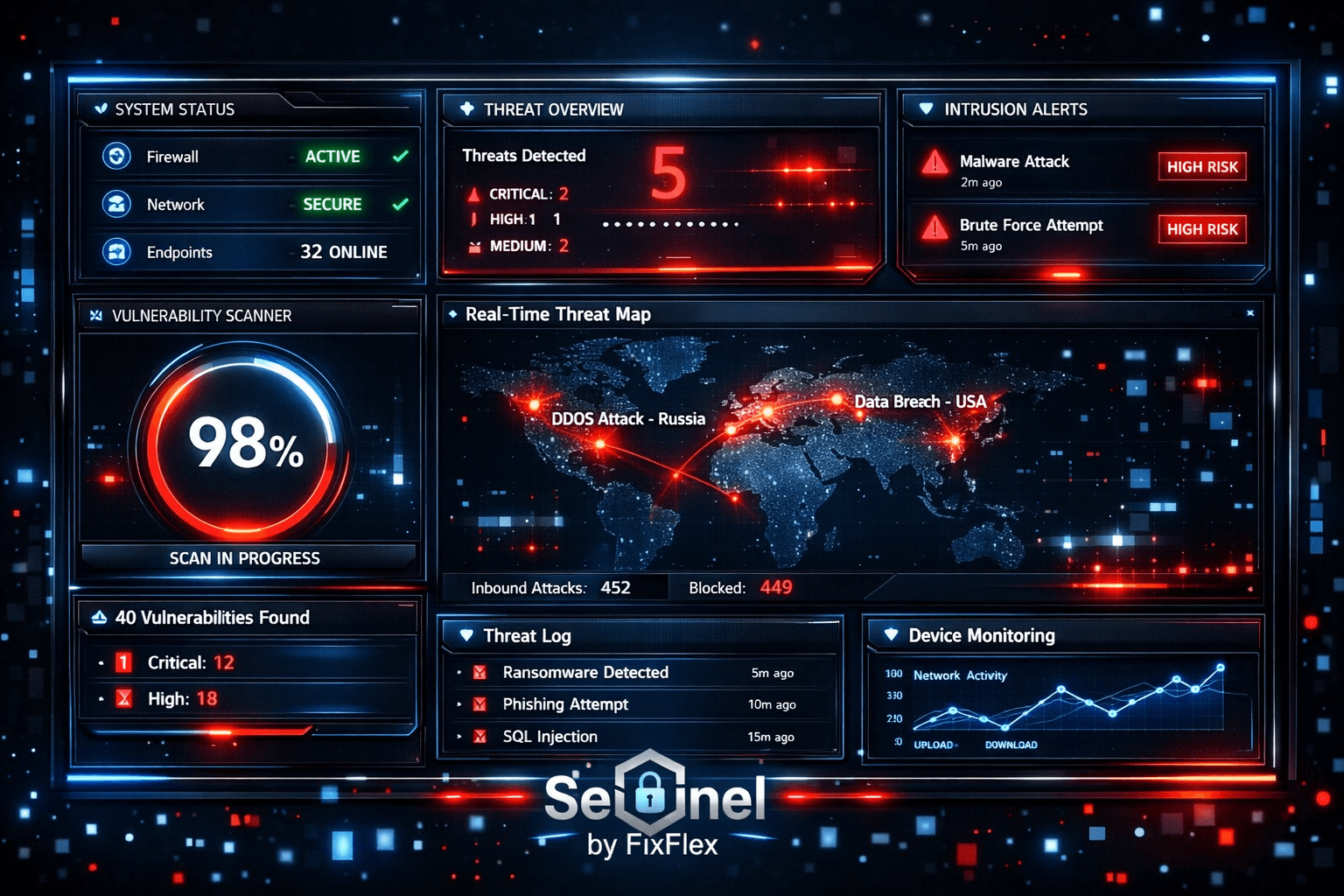
Sentinel AI: The DevOps Sidekick That Never Sleeps
This morning, my server’s CPU spiked to 98% usage. No alerts. No warnings. Just a slow, painful crawl until SSH became unresponsive.
Turns out, a misconfigured cron job was spawning hundreds of PHP processes. By the time I noticed, the damage was done—hours of debugging and manual log scraping.
That’s why I built Sentinel AI.
What Sentinel Actually Does
Sentinel is a self-contained, always-on DevOps assistant that lives on your server. It doesn’t just monitor—it acts.
1. It Watches Everything (Like a Paranoid Sysadmin)
- Services: Caddy, MariaDB, Redis, PHP-FPM—if it’s running, Sentinel tracks it.
- Uptime: HTTP/HTTPS endpoints, TCP ports, response times.
- Resources: CPU, RAM, disk usage (with smart thresholds, not just static limits).
- SSL certs: Warns you before they expire (unlike Let’s Encrypt’s last-minute emails).
- Mail queues: Because nothing’s worse than a silently failing Postfix.
2. It Fixes Databases Without Asking
MySQL slow queries? Sentinel:
- Detects missing indexes (and creates them if safe).
- Flags fragmented tables, oversized temp tables, and buffer pool issues.
- Even suggests config tweaks (innodb_buffer_pool_size, anyone?).
No more waking up to a crashed DB because some overnight query decided to scan 2 million rows.
3. It Blocks Attacks Before They Happen
- Fail2Ban on steroids: Detects coordinated attacks and bans entire subnets.
- Brute-force protection: SSH, MySQL, Caddy—any failed auth gets logged and blocked.
- Cross-server intel: If another Sentinel user gets hit, your server learns from it.
4. It Learns Your Server’s Quirks
- Remembers past issues (1,546 patterns and counting).
- Adapts to your setup—no generic thresholds, just what your server considers "normal."
- Keeps chat history, so you don’t have to explain the same problem twice.
5. It Talks Back (Usefully)
Ask it:
- “Why is my site slow?” → Checks DB queries, CPU, network.
- “Restart PHP-FPM.” → Does it.
- “Who’s hammering my server?” → Lists top IPs, recent attacks.
No CLI memorization. No digging through logs. Just answers.
How It Works
- Install (
curl -sSL https://sentinel-ai.info/install.sh | bash). - Let it run. It auto-detects services, starts monitoring, and applies safe fixes.
- Check the dashboard (
https://your-server:3333) for real-time stats.
No cloud dependency. No data leaves your server unless you opt into threat-sharing.
Pricing (No Surprises)
- Free: Basic monitoring for 1 server.
- Pro ($49/mo): Adds auto-fixes, email alerts, and multi-server support.
- Enterprise ($149/mo): AI chat, fleet-wide IP blocking, and priority support.
No "contact sales" nonsense. No 30-day limits. Just pay if it’s useful.
Why This Exists
Because servers fail at 3 AM. Because htop doesn’t explain why CPU is high. Because most "monitoring" tools just yell at you instead of fixing things.
Sentinel is the sidekick I wish I had when my server melted down. Now it’s yours.
Install it here — next time your server acts up, you’ll know before your clients do.
Built by FixFlex LTD, a London-based AI/web studio. Runs on Ubuntu, Debian, CentOS, RHEL, and Fedora. No Docker required.
See your own attack data — Sentinel free tier →
Start FreeComments
No comments yet. Be the first!